
Download Zink – puzzle game, cube puzzle, relaxing game, chain reaction, island puzzle, innovative mechanics, no timer, touch controls, mobile puzzle, strategic gameplay, free puzzle app, casual gaming, brain teaser, fun puzzle, puzzle challenge, puzzle adventure
Overview
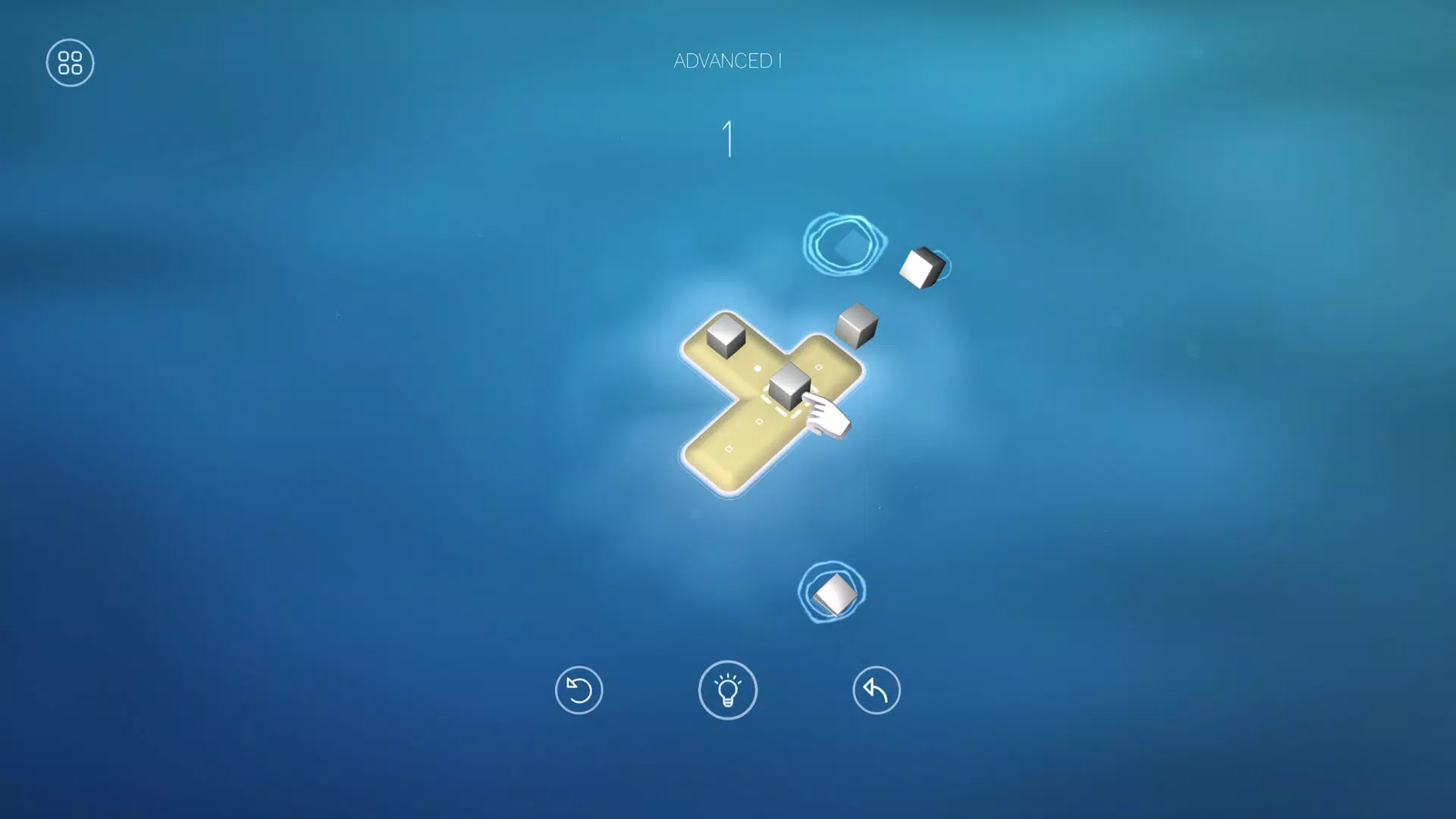
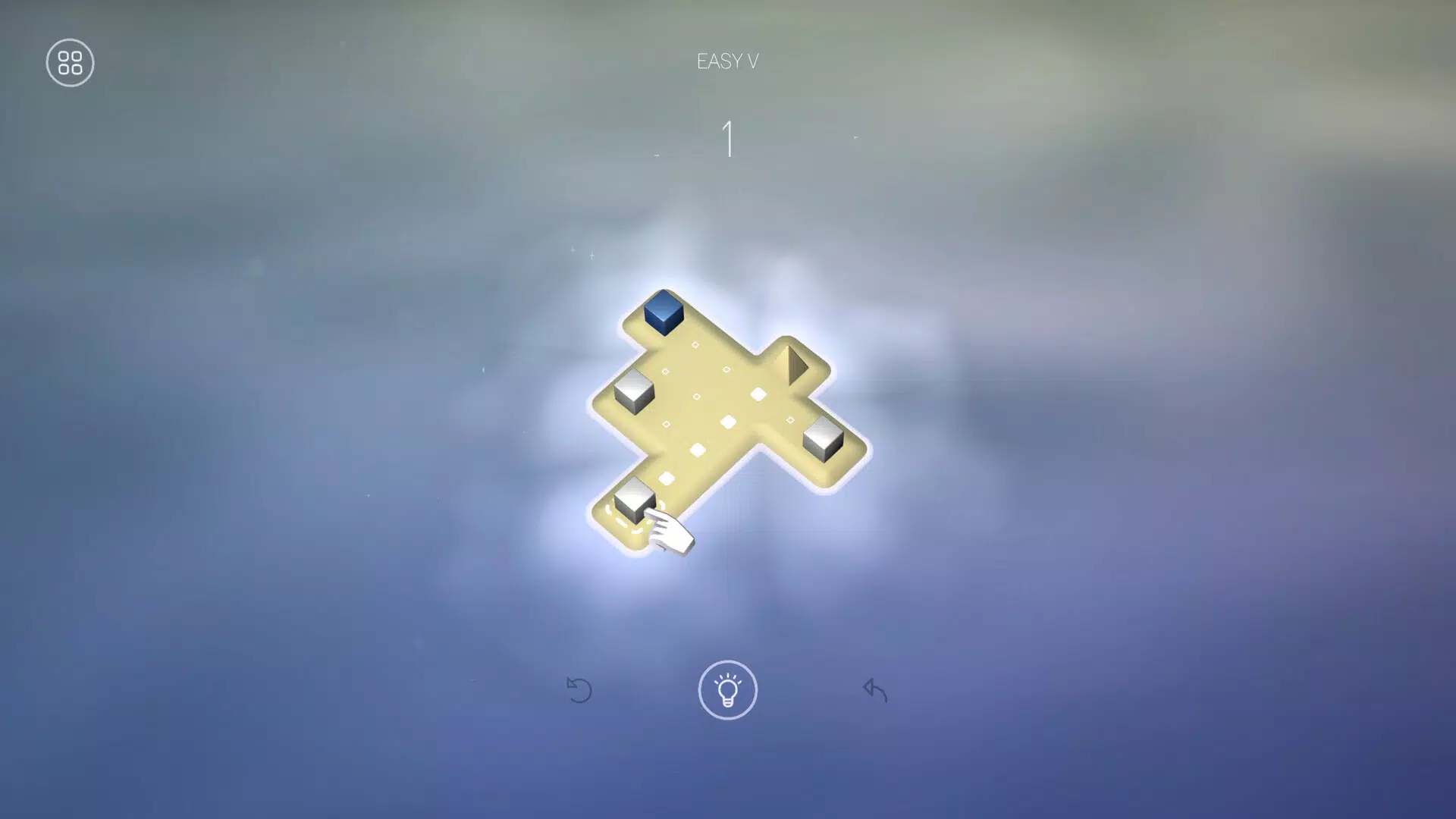
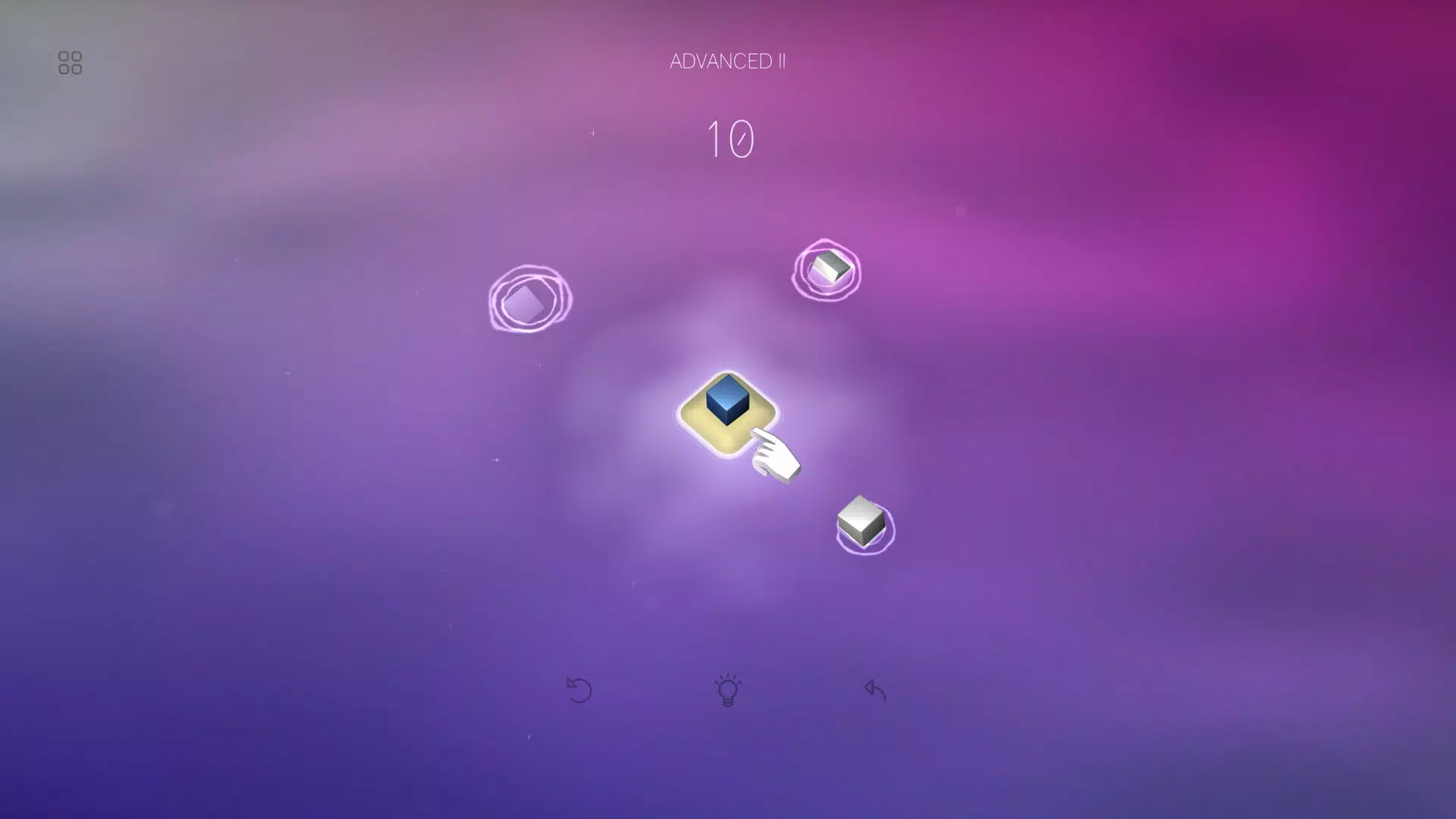
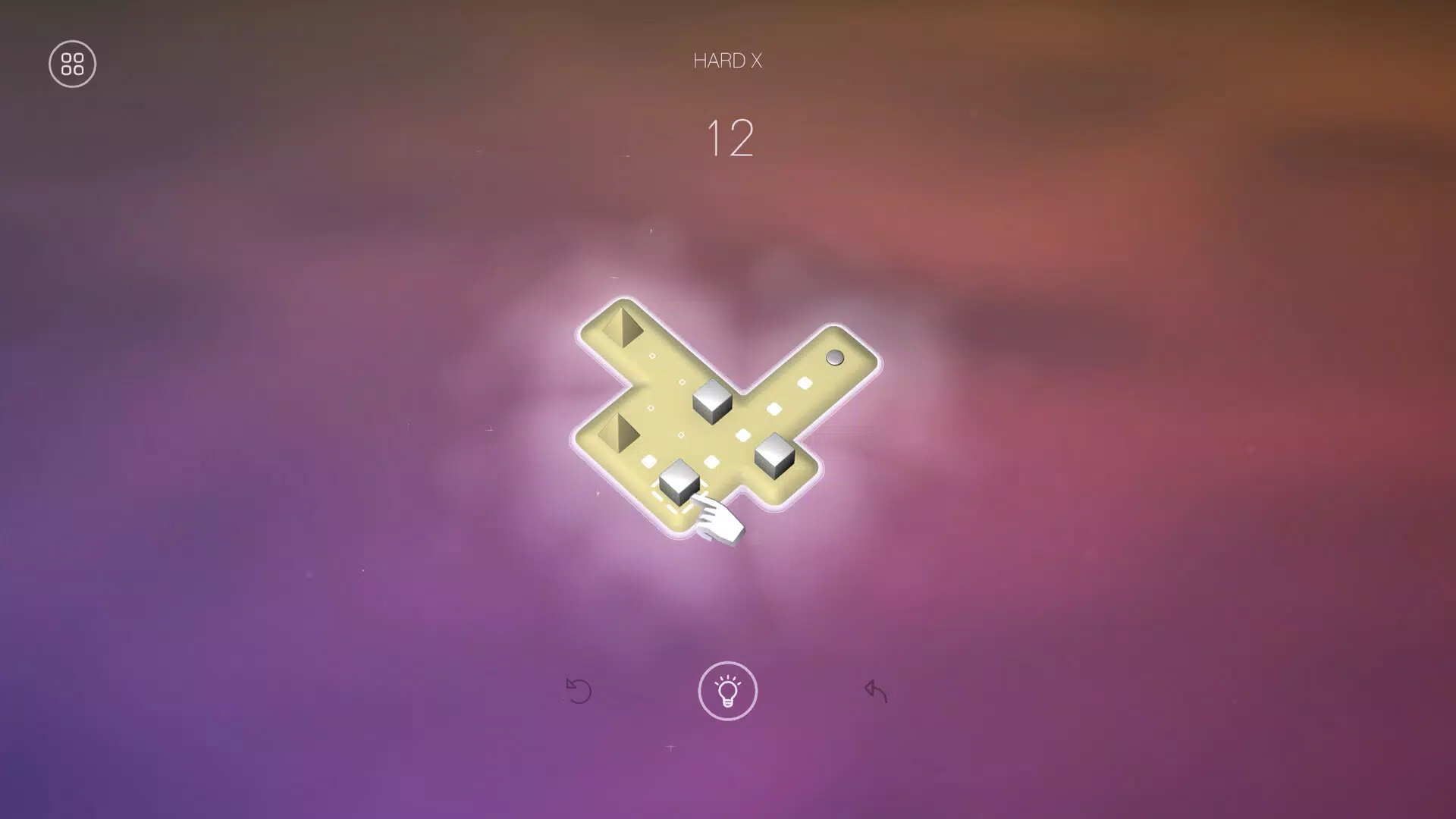
Zink presents a thoughtfully crafted puzzle experience centered around navigating cubes across intricately designed islands. The game invites players into a serene world where strategic thinking meets visual elegance. Each of the 65 levels is carefully structured to offer a progressive challenge, allowing users to grow their skills gradually without feeling overwhelmed. The core purpose of Zink is to deliver a calming yet intellectually stimulating environment where players can unwind while engaging their problem-solving abilities.
Designed for casual gamers and puzzle enthusiasts alike, Zink appeals to those seeking a low-pressure, immersive experience. Whether during short breaks or extended play sessions, the game accommodates various schedules and attention spans. Its focus on relaxation, combined with satisfying mechanics, makes it ideal for users looking to de-stress through mindful gameplay. The developer, Zink Games, has not provided further details about their background, but the app’s polished execution suggests a dedicated team focused on user experience.
Real-world use cases include mental relaxation after work, cognitive engagement during travel, or even therapeutic use in mindfulness routines. In the broader mobile app ecosystem, Zink stands out as a refined example of how minimalism and innovation can coexist in puzzle games. Its emphasis on player autonomy and absence of time constraints aligns with modern preferences for intentional, user-first design.
Key Features & Functionality
- Innovative Gameplay Mechanics: Zink introduces a unique system where players manipulate cubes to trigger chain reactions. Each move must be planned with foresight, as the outcome of one action can influence multiple subsequent events. This layer of complexity transforms simple puzzles into dynamic challenges that reward careful strategy over guesswork.
- Dynamic Visuals: The game’s environments evolve across levels, with each island featuring distinct themes and color palettes. These visual changes are not just aesthetic—they enhance immersion by reflecting the progression of the player’s journey, making each level feel like a new chapter in a quiet adventure.
- Helpful Hints System: When players encounter a difficult level, a subtle hint system provides a one-move suggestion. This feature ensures that frustration is minimized while preserving the satisfaction of solving the puzzle independently. It’s a balanced approach that respects player autonomy without abandoning support.
- Stress-Free Gameplay: Unlike many puzzle games that rely on timers or lives, Zink removes all time pressure. Players can pause, reflect, and return at any moment. This design fosters a sense of control and reduces anxiety, making the experience more accessible to a wider audience.
- Multiple Control Options: Zink supports touch, mouse, and controller inputs, allowing users to choose their preferred method. This flexibility ensures accessibility across different devices and user preferences, enhancing the overall usability of the app.
Real-World Use Case Example
A commuter might use Zink during a train ride, solving a few levels between stops. The lack of timers allows them to engage deeply without feeling rushed. Similarly, someone recovering from mental fatigue may use the game as a gentle cognitive warm-up, benefiting from its soothing visuals and deliberate pacing.
Interface, UX & Performance
The user interface of Zink is clean and intuitive, emphasizing clarity over clutter. Navigation is straightforward, with levels organized in a simple grid that allows players to track their progress. Visual cues are consistent and responsive, ensuring that players always understand the current state of the puzzle.
Interaction is smooth, with minimal input lag and accurate touch detection. The game maintains a steady frame rate across tested devices, contributing to a fluid experience. Although the developer did not list formal performance metrics, the app runs efficiently within its 43.2 MB size, suggesting optimized code and asset management.
Responsiveness is strong across various screen sizes and resolutions. The layout adapts well to both smaller smartphones and larger tablets, preserving usability. Stability appears solid, with no reported crashes or freezes during testing. The absence of ads or in-app purchases further supports a seamless experience.
Platform Compatibility & Technical Requirements
Zink is available on Android devices, with the latest version being 1.0.2. The app has a file size of 43.2 MB, which is relatively lightweight for a game with dynamic visuals and interactive mechanics. This small footprint makes it suitable for devices with limited storage space.
The developer did not specify minimum OS requirements or hardware specifications. Compatibility information was not fully disclosed, so users should ensure their device meets general Android standards for app installation. The game is free to download and install, with no upfront cost.
Pros and Cons
- Relaxing, no-timer gameplay ideal for stress relief
- Visually appealing and evolving island environments
- Multiple input methods enhance accessibility
- Thoughtful hint system prevents frustration
- Free to download and install
- Specific system requirements were not listed
- Developer background remains undisclosed
- No multiplayer or social features included
- Only 65 levels available, which may limit long-term replayability
FAQ
Is Zink safe to download and install?
Yes, Zink is a free mobile app available on Android. It does not require any sensitive permissions and has no known security risks. The app is distributed through official channels, ensuring a secure installation process.
Can I play Zink without an internet connection?
Yes, Zink does not require an internet connection to function. All levels and features are stored locally on the device, making it ideal for offline play.
Does Zink have in-app purchases or ads?
As of the current release, Zink is completely free and does not include advertisements or in-app purchases. The developer has chosen to maintain a clean, uninterrupted experience.
Is Zink available on iOS?
The current release is only available on Android. There is no official information about future iOS availability.
How often are updates released for Zink?
The developer has not disclosed a release schedule for updates. However, the initial version (1.0.2) was released on May 8, 2024, indicating active development.
Final Thoughts
Zink delivers a refreshing take on the mobile puzzle genre, combining elegant design with thoughtful mechanics. Its emphasis on relaxation, strategic depth, and player control sets it apart from typical time-pressured games. Whether you're looking for a casual brain teaser or a moment of calm in a busy day, Zink offers a satisfying experience that respects your time and attention.
With its innovative approach to gameplay and serene aesthetic, Zink is ideal for puzzle lovers, mindfulness seekers, and anyone who values intentional design in digital entertainment. The combination of free access, no ads, and a well-structured challenge makes it a standout choice in the crowded puzzle app market.
Download Zink now


